1Sign up
Go to /signup. Fill in your dealership name, your email, a password, and pick the country you operate in (this sets currency and date formatting across the platform).
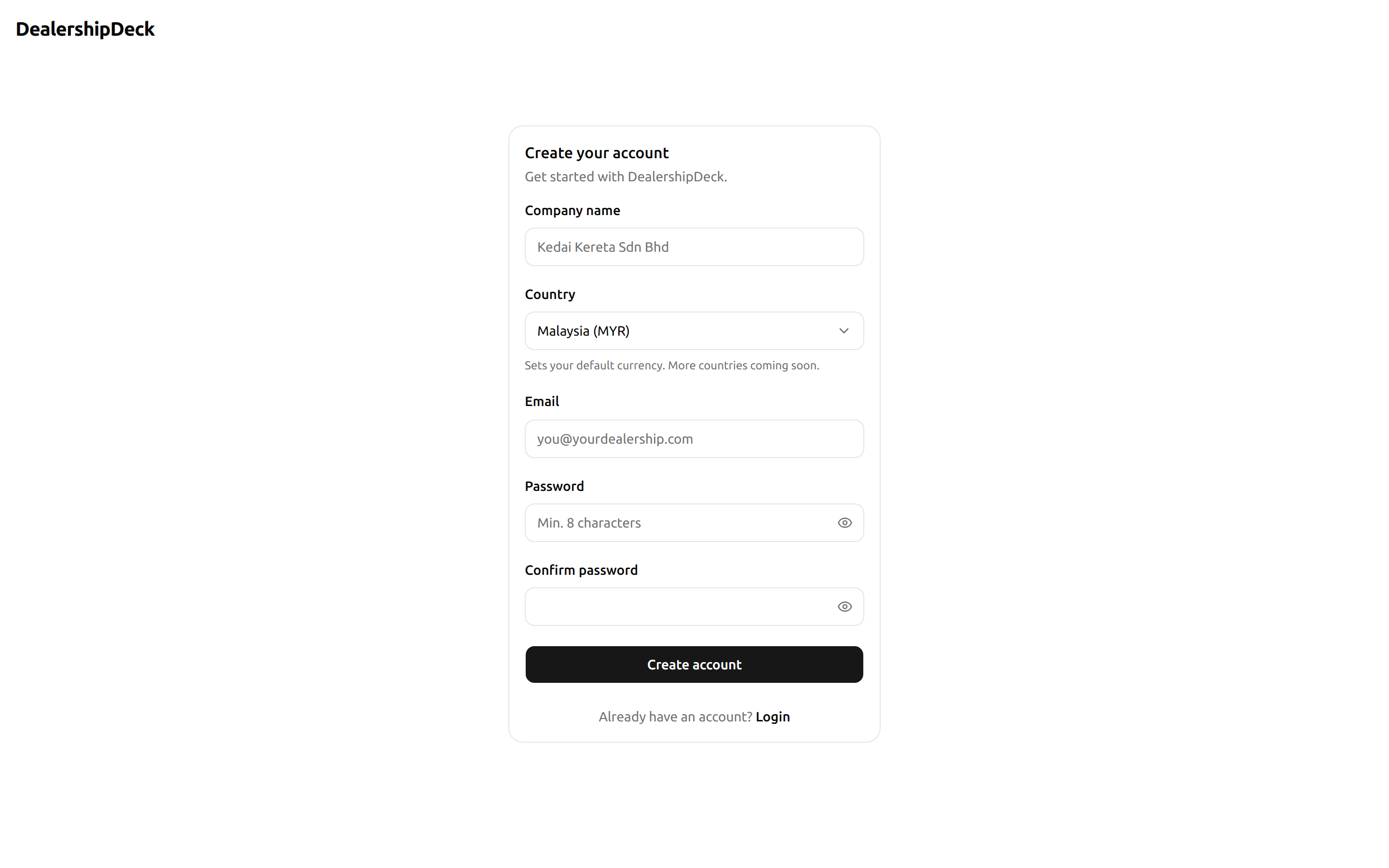
public/help/getting-started-1.png — The /signup form with the four fields visible: company name, email, password, country.2Land on the dashboard
After sign-up you're dropped on the portal dashboard. The sidebar on the left is your home base — every feature lives there.
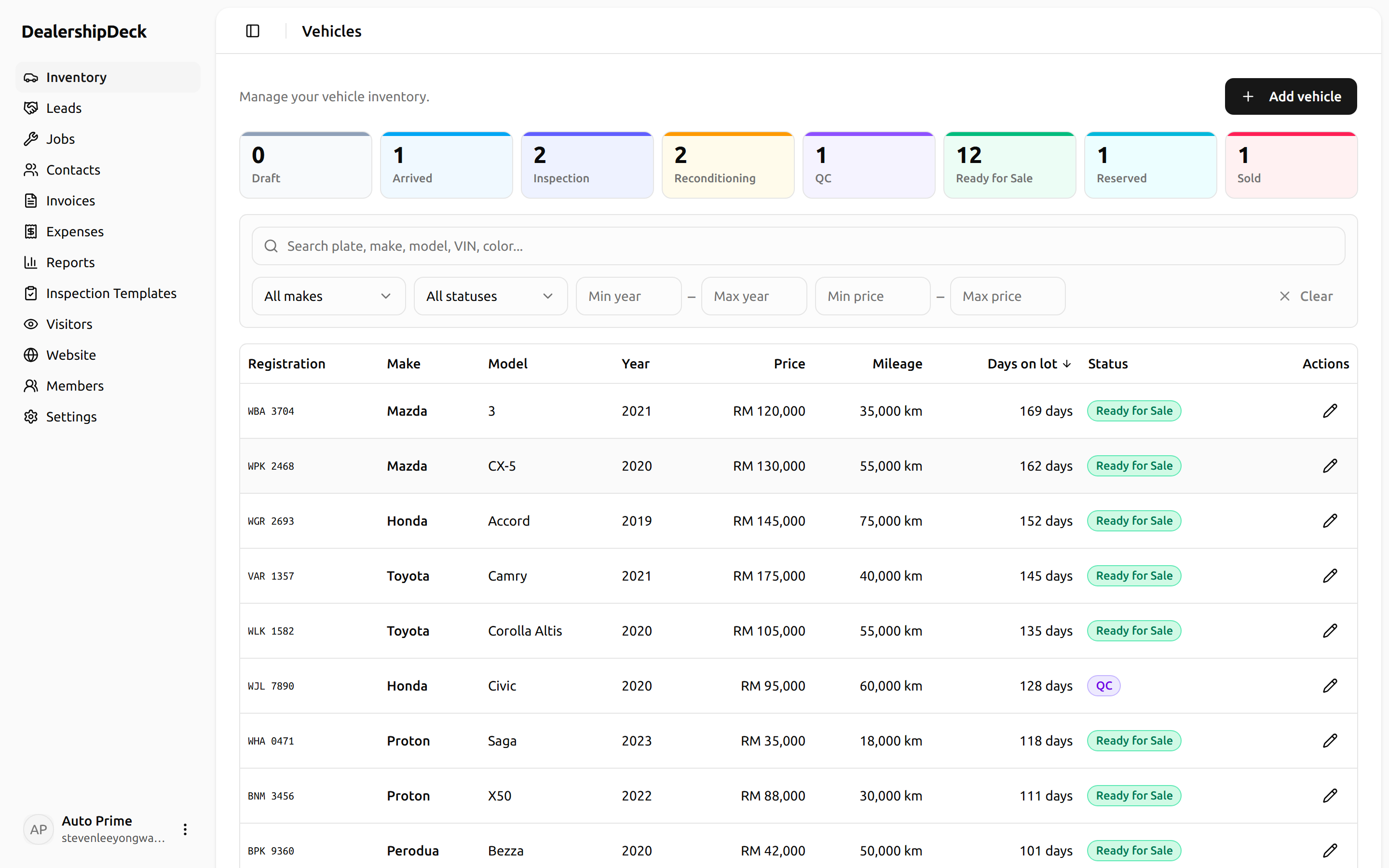
public/help/getting-started-2.png — The dashboard after signup. Show the left sidebar with Vehicles, Sales, Contacts etc., and the empty welcome content area.3What to do next
- Configure your public website — logo, brand colours, hero banner.
- Add your first vehicle — the core of everything else.
- Invite your team — only if more than one person works on it.