1Create a permission group
Go to /groups. Click + New group. Name it after the role (e.g. Sales, Mechanic, Manager) and tick the permissions that role needs.
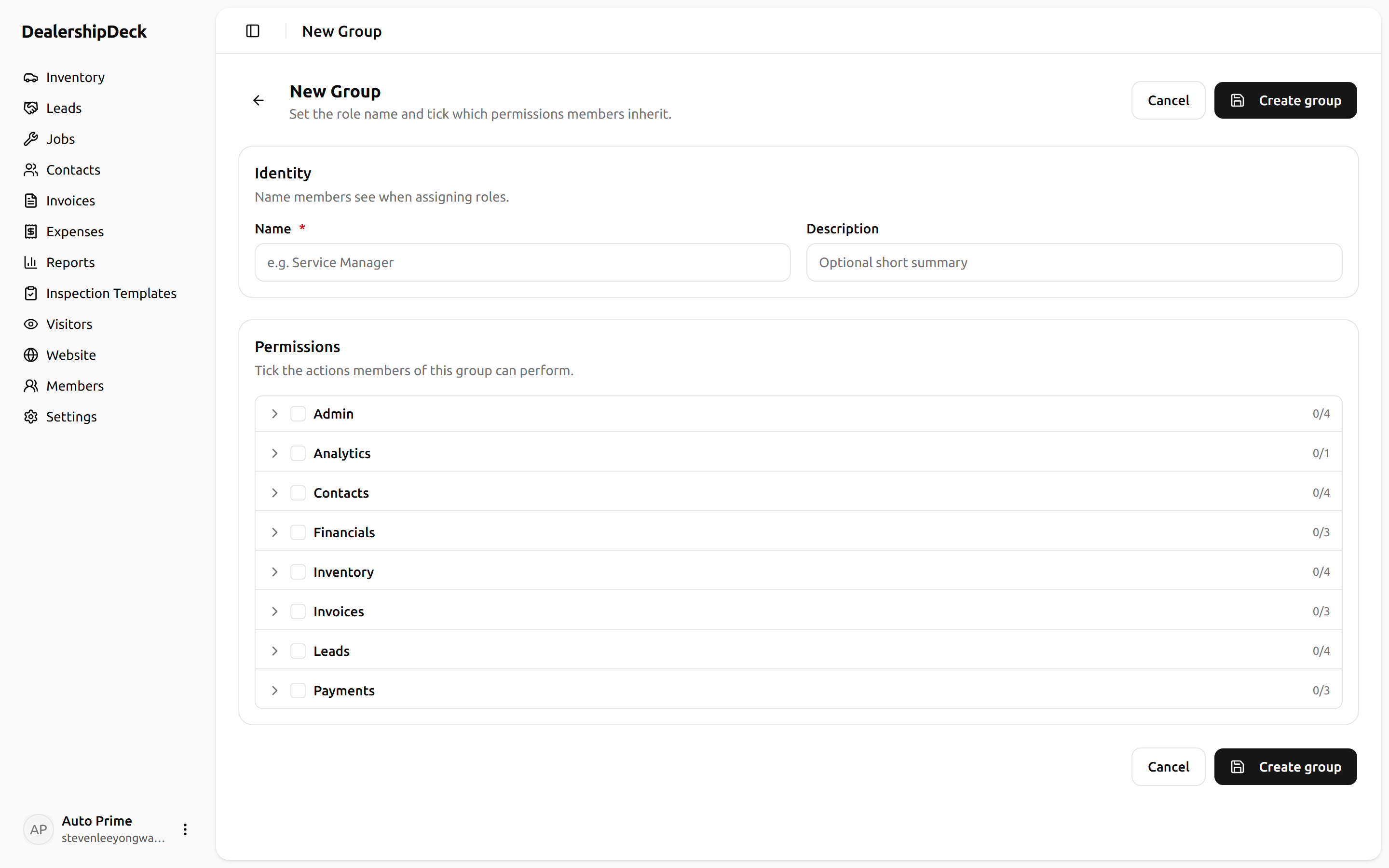
public/help/invite-team-1.png — The groups create form with name 'Sales' and a list of permission checkboxes — show a few ticked (VEHICLE_VIEW, VEHICLE_EDIT, SALE_CREATE).2Invite users
Open Settings → Team. Click Invite users, paste one or more emails, pick the group. Each invitee gets an email with a sign-up link.
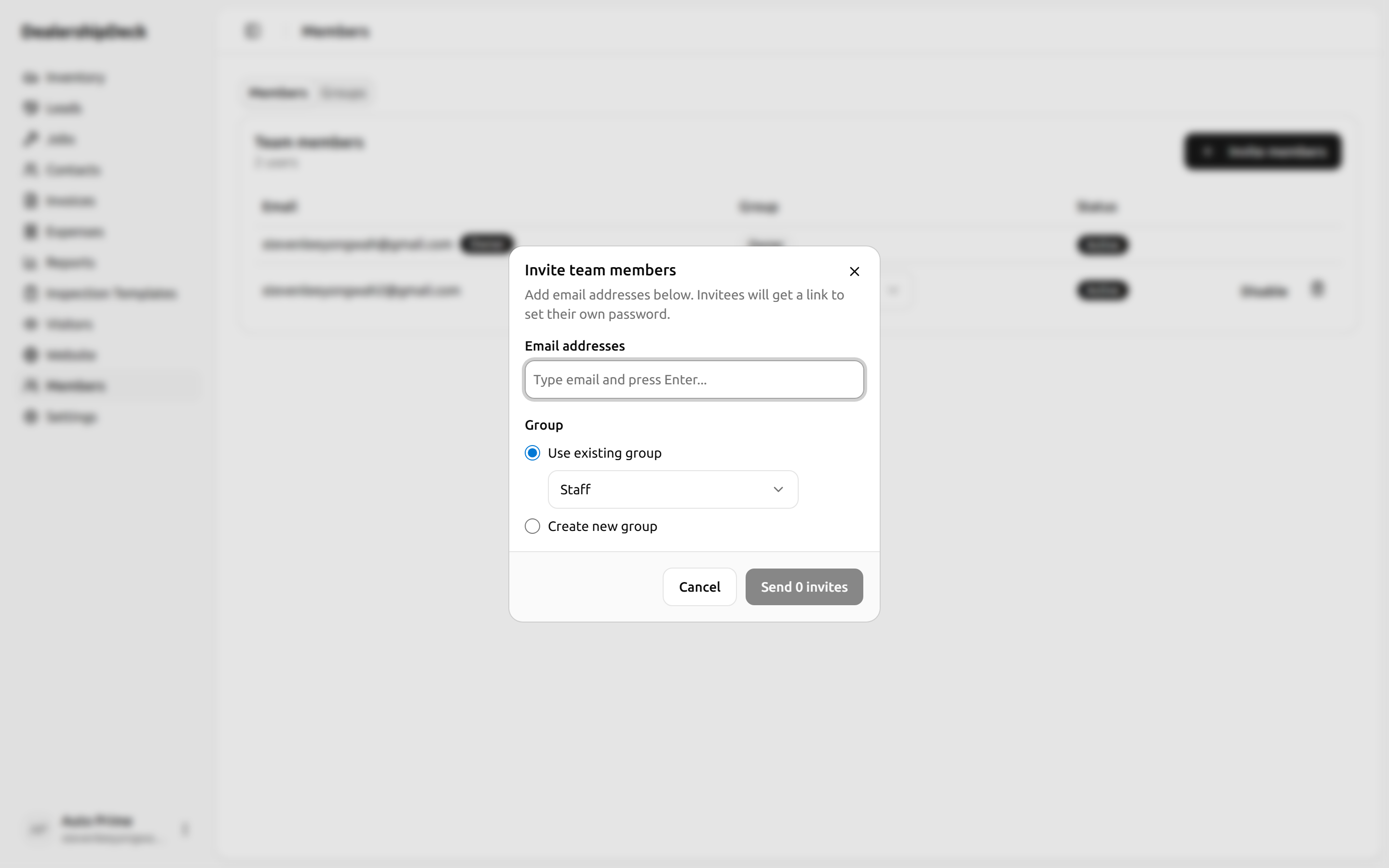
public/help/invite-team-2.png — The Invite users dialog with two email addresses entered and a Group dropdown set to 'Sales'.3Adjust later
From the team list, click any user to change their group, disable their account, or change their email. The owner (you) can't be disabled.
Tip. Lock down VIEW_COSTto managers — that's the permission that shows expense + profitability data. Sales staff rarely need it.