1Open the Website settings
Click Websitein the sidebar. Everything on this page is shown publicly on your dealership's subdomain.
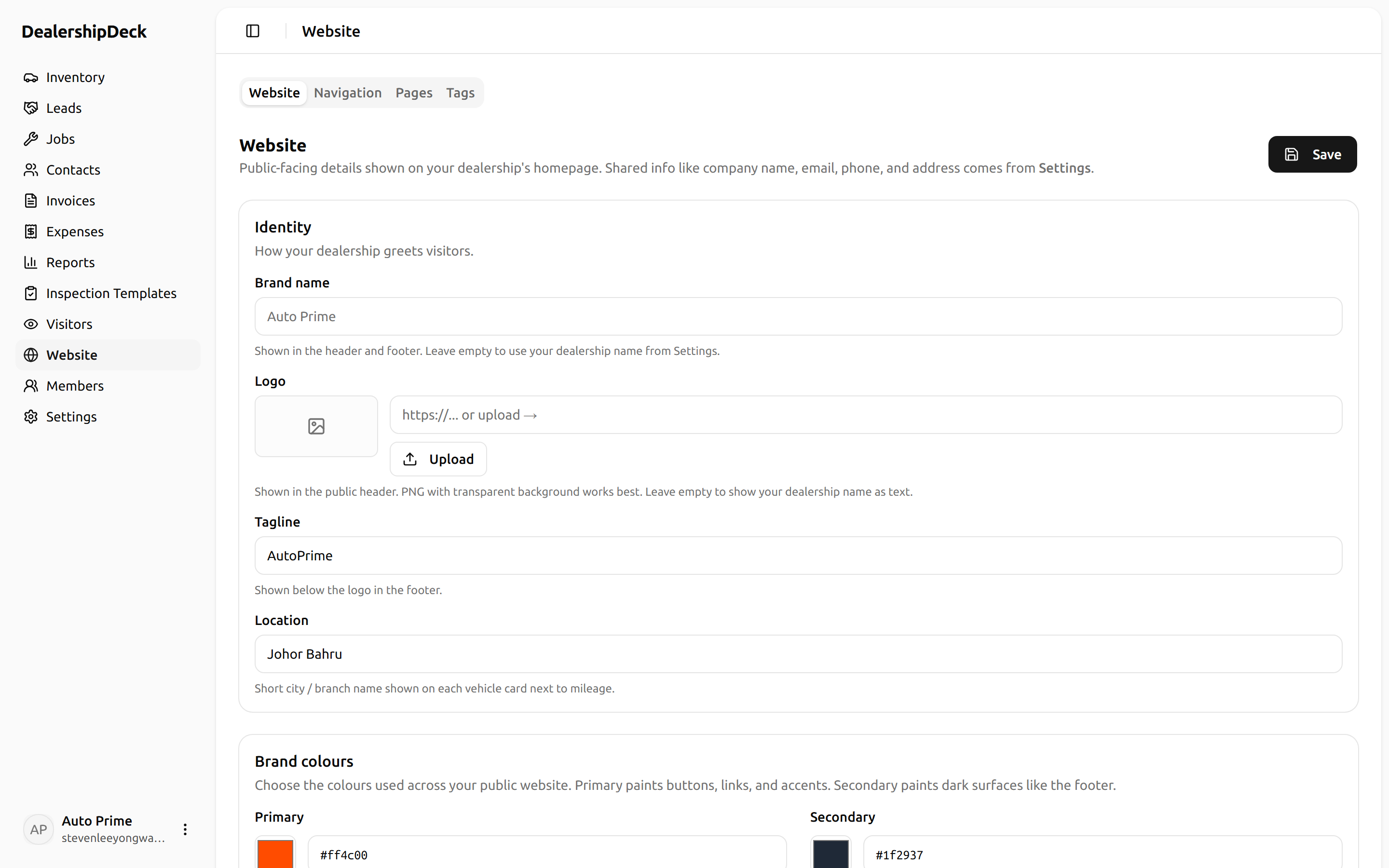
public/help/site-content-1.png — The /website settings page showing the Identity, Brand colours, Hero text, and Hero images cards stacked.2Brand colours
Primary paints buttons, links, and accents. Secondary paints dark surfaces like the footer. Pick brand-matching hex values or use the colour picker.
3Hero images — desktop
Wide banners (2400×600 or wider) shown on tablet and desktop. Click Upload on a slide row to pick a file from your device — it uploads and the URL fills in automatically. Add as many slides as you want; they rotate every 5 seconds.
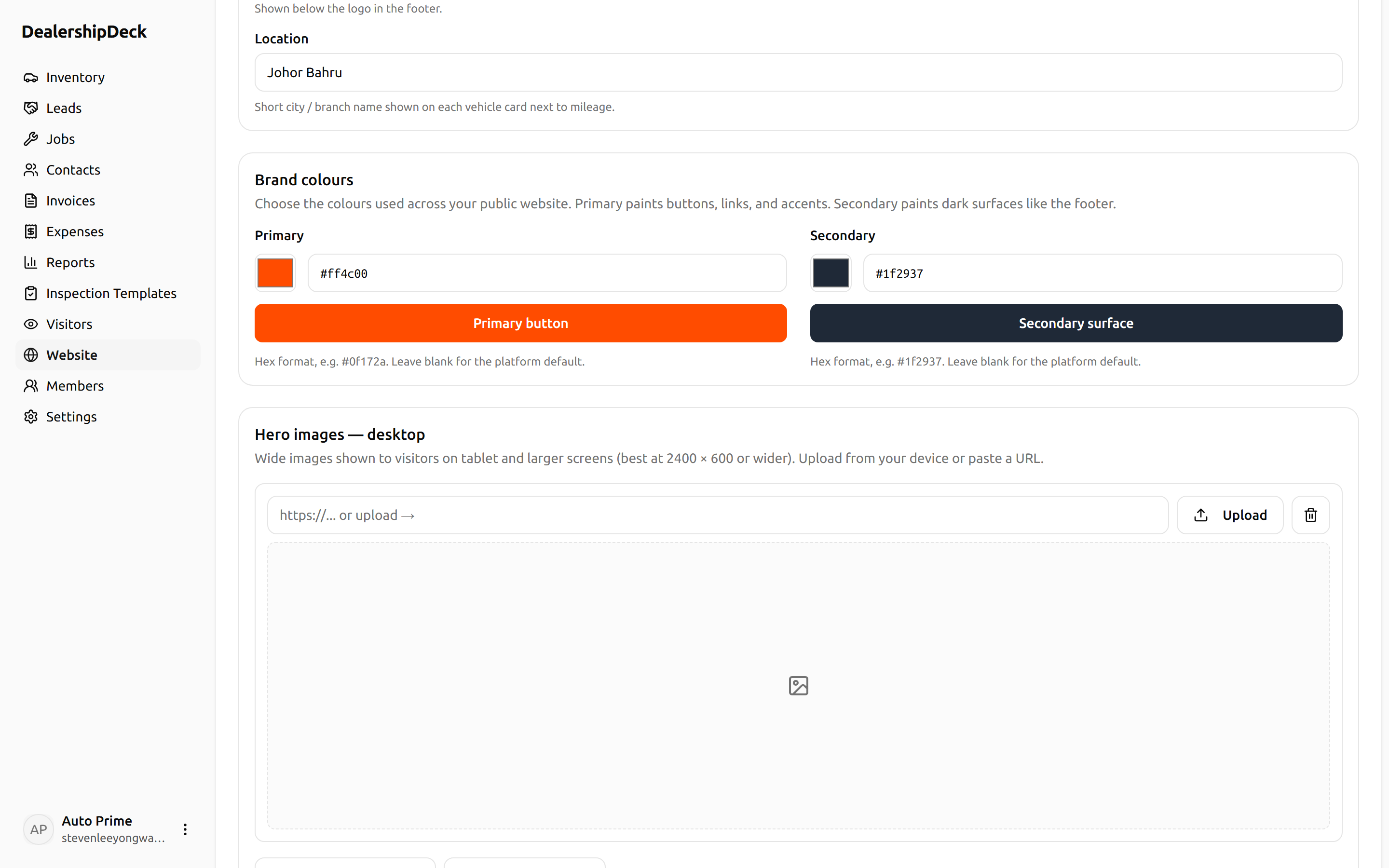
public/help/site-content-3.png — The Hero images — desktop card with two slides uploaded and previewing at 1184:320 aspect ratio.4Hero images — mobile
Taller crops (~1200×600) for phones. If you leave this empty, the mobile carousel falls back to your desktop set — but cropping wide banners on a 390px phone is usually ugly, so set distinct mobile artwork.
5Contact & hours
The "Call us" number and WhatsApp number show in the header and the floating WhatsApp button. Opening hours show in the footer.