1Create a tag
Go to /settings → Vehicle tags. Click + New tag, set the label and pick a background + foreground colour. Tags display as coloured pills.
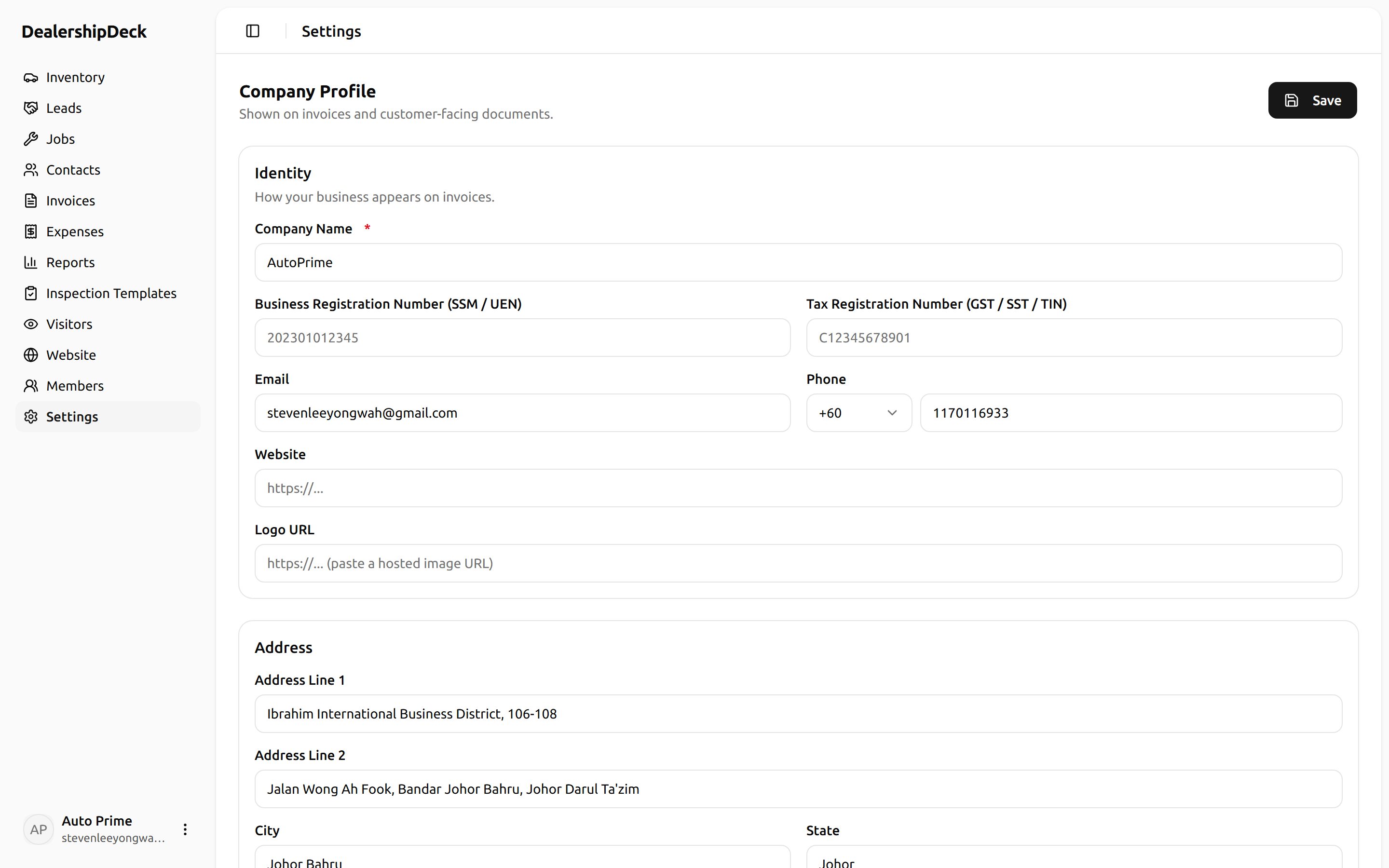
public/help/vehicle-tags-1.png — The Vehicle tags settings page with a new-tag dialog open showing label + colour pickers.2Apply tags to vehicles
On any vehicle's detail page, look for the Tags multi-select. Pick one or more — they show up on the customer site immediately.
Tip. Keep the tag set small — 4 to 6 distinct labels. More than that and the listing card gets noisy.