1Connect an account
Open Marketing → Accounts tab. Click Connectnext to TikTok / Facebook / Instagram. You go through the provider's OAuth flow; on return the account appears as Connected.
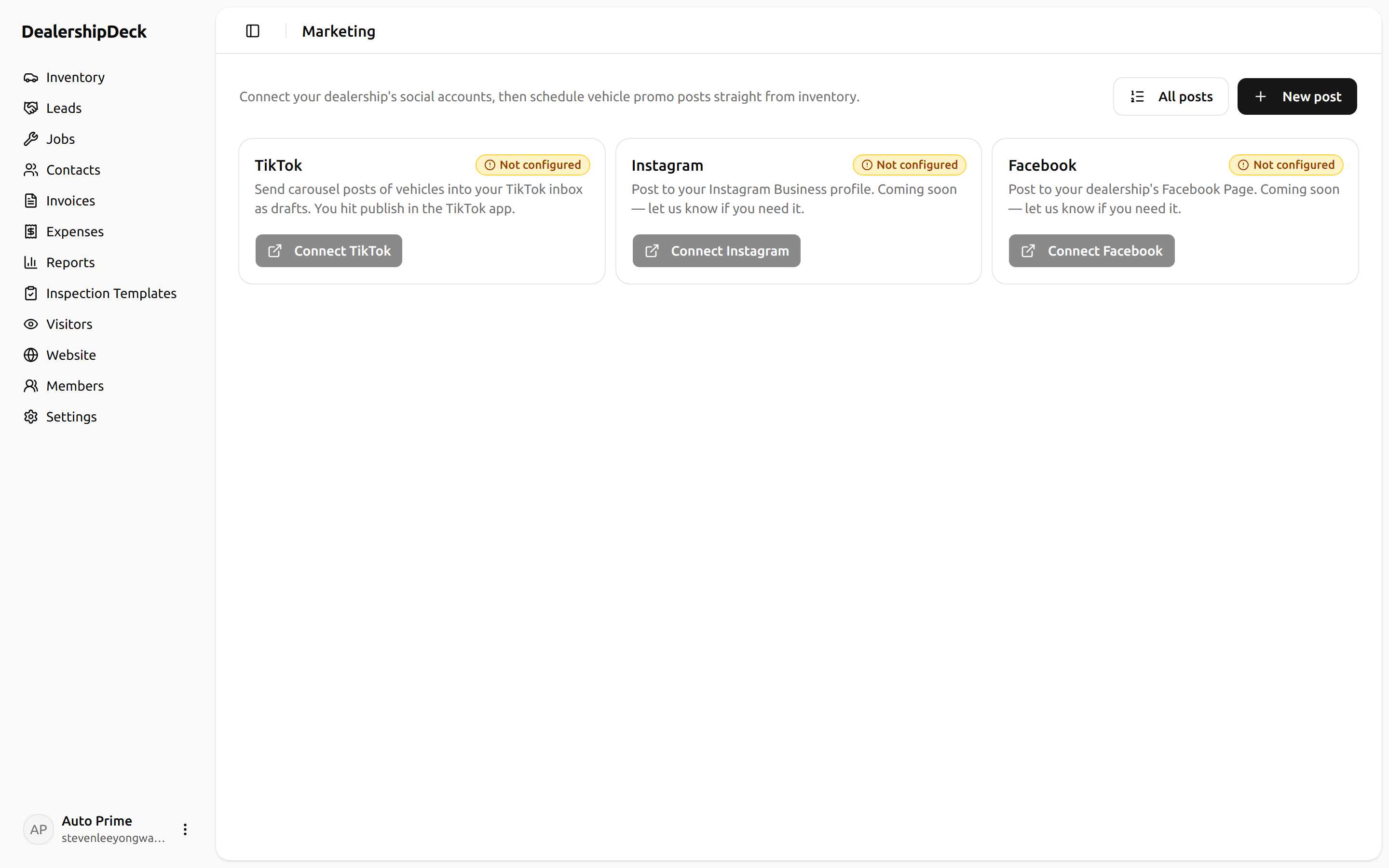
public/help/social-marketing-1.png — The Marketing → Accounts page with three provider rows; one shows Connected with a green check, the other two show Connect buttons.2Compose a post
Posts tab → + New post. Pick the connected account, write the caption, upload one or more images (carousels up to 10 on Instagram and Facebook; one or multiple photos on TikTok).
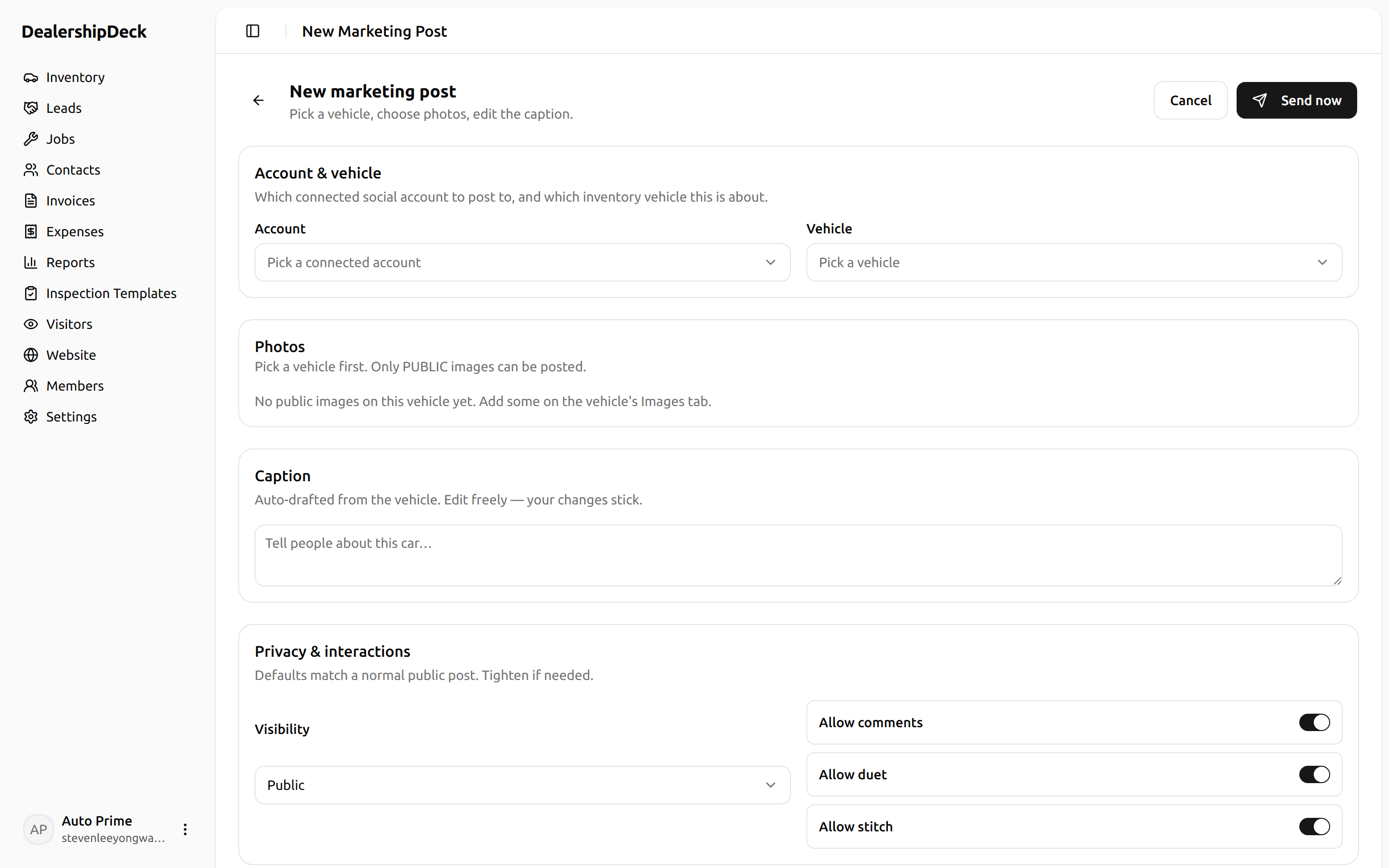
public/help/social-marketing-2.png — The compose-post form showing the provider picker (set to Instagram), the caption textarea, and three thumbnail images uploaded.3Schedule or send now
Choose Post now for immediate publish, or set aSchedule for date+time — the cron fires every minute and picks up due posts.
Heads up. Instagram caps captions at 2200 characters. Facebook Pages have a higher limit but most readers stop after 3 lines. TikTok captions can include hashtags freely — they help discovery.