1Open the expense form
Click Expenses in the sidebar, then + New expense. The form has two tabs at the top: Vehicle and Operating.
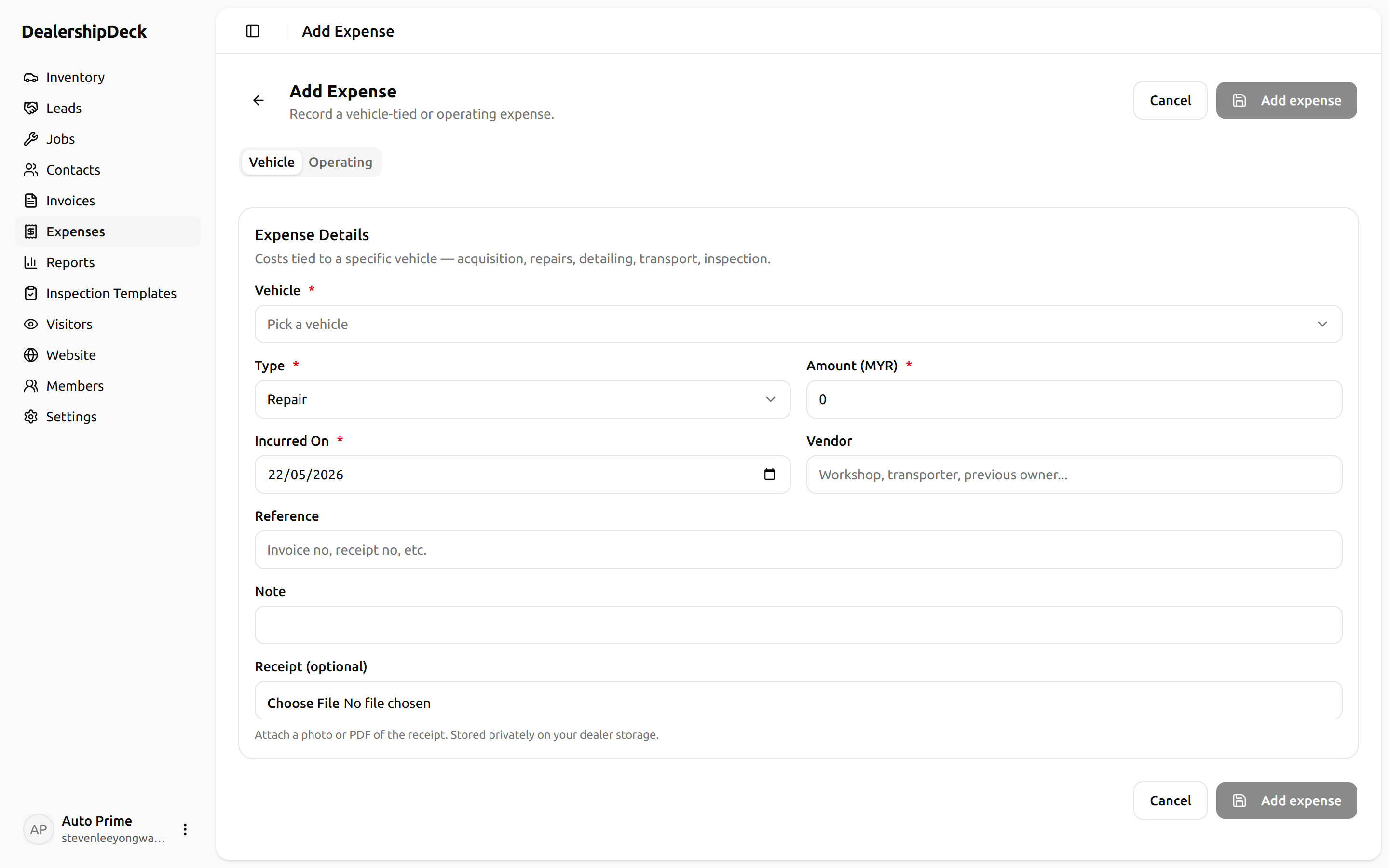
public/help/expenses-1.png — The new-expense form showing the Vehicle / Operating tab strip.2Vehicle expense
Pick the vehicle, the type (Acquisition, Repair, Detailing, Transport, Inspection), the amount + date, and optionally a receipt photo. Vehicle expenses feed the per-vehicle profitability report.
3Operating expense
For costs not tied to a specific vehicle — rent, utilities, salary, marketing, software, insurance, fuel, professional fees, tax, office supplies, other. These roll up in the company-level P&L.
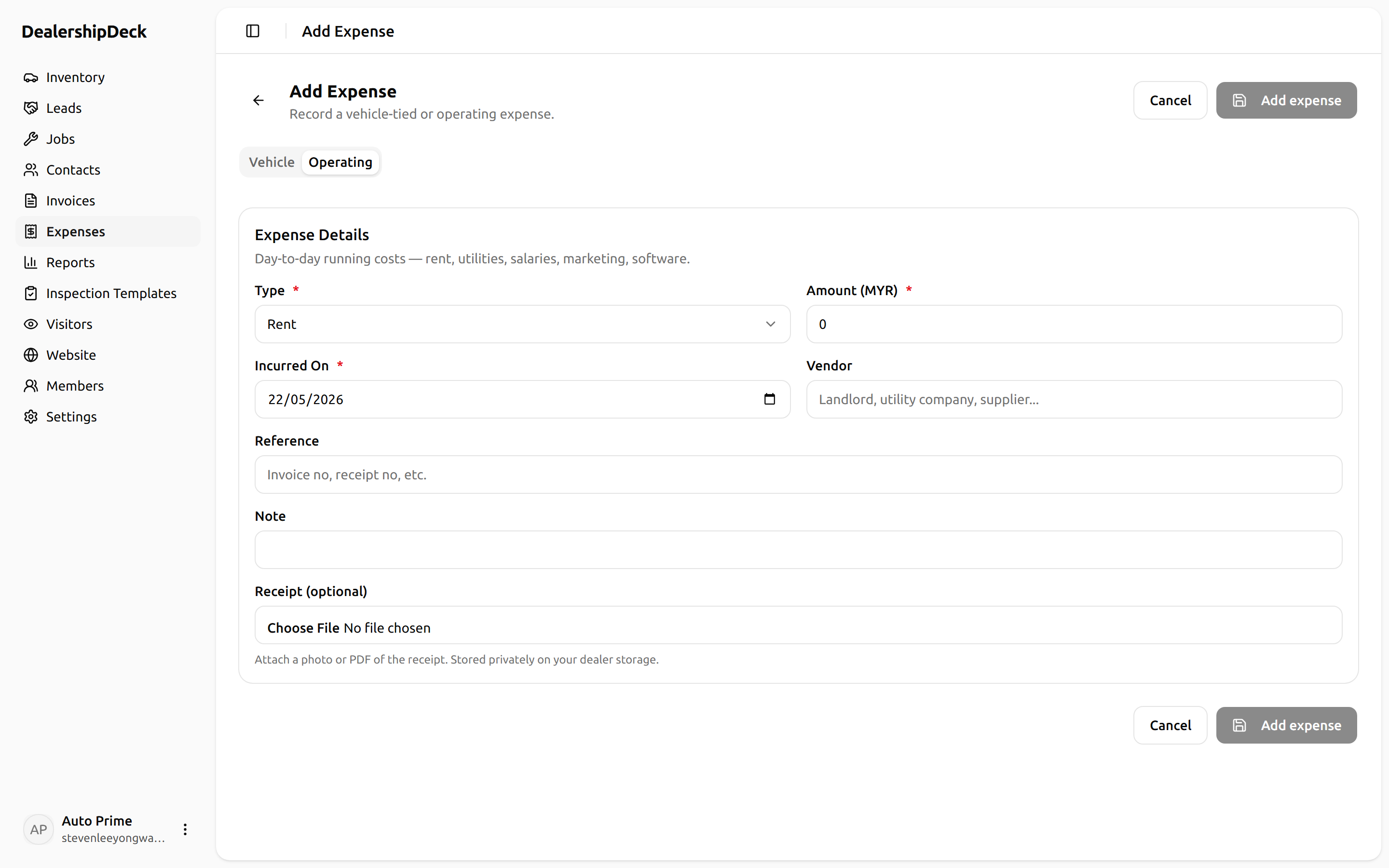
public/help/expenses-3.png — The Operating tab of the expense form, with the type dropdown open showing all 11 operating categories.4Filter by date
On the expenses list, use the date-range picker — quick presets cover This month, Last month, This year, or pick a custom range.